For Confluence Cloud
Mermaid diagrams that draw as you type
Write Mermaid in a window with a live preview, and save. The diagram sits on your Confluence page, fitted to the width, in your colours, in light and dark. Nothing leaves Confluence.
- Draws with Mermaid 12
- No account, no outside calls
- Exports to PDF
- Free at launch
The Atlassian Marketplace listing opens at launch.
How it works
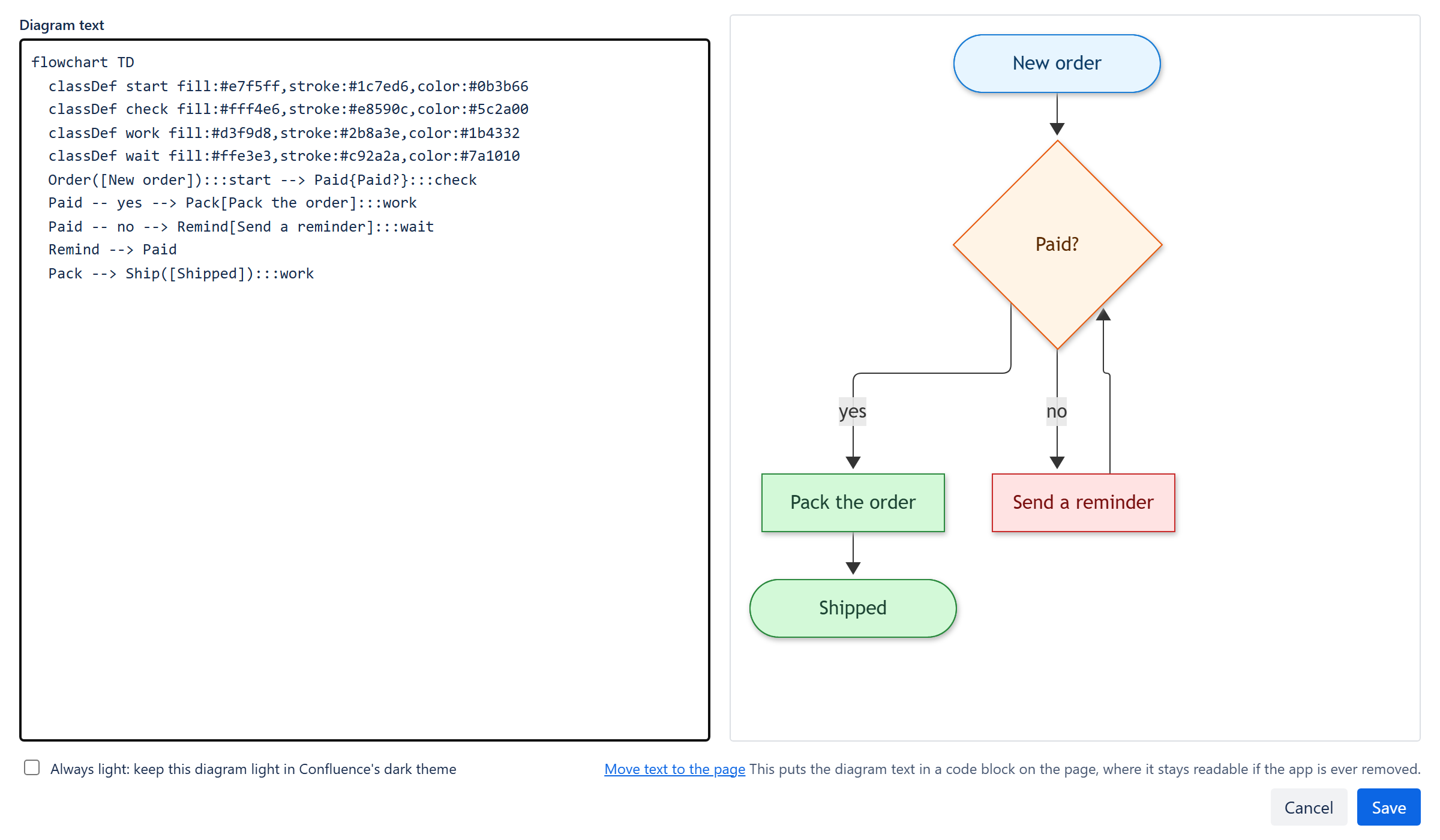
- Type /Mermaid. Insert the macro on any page, and the editing window opens.
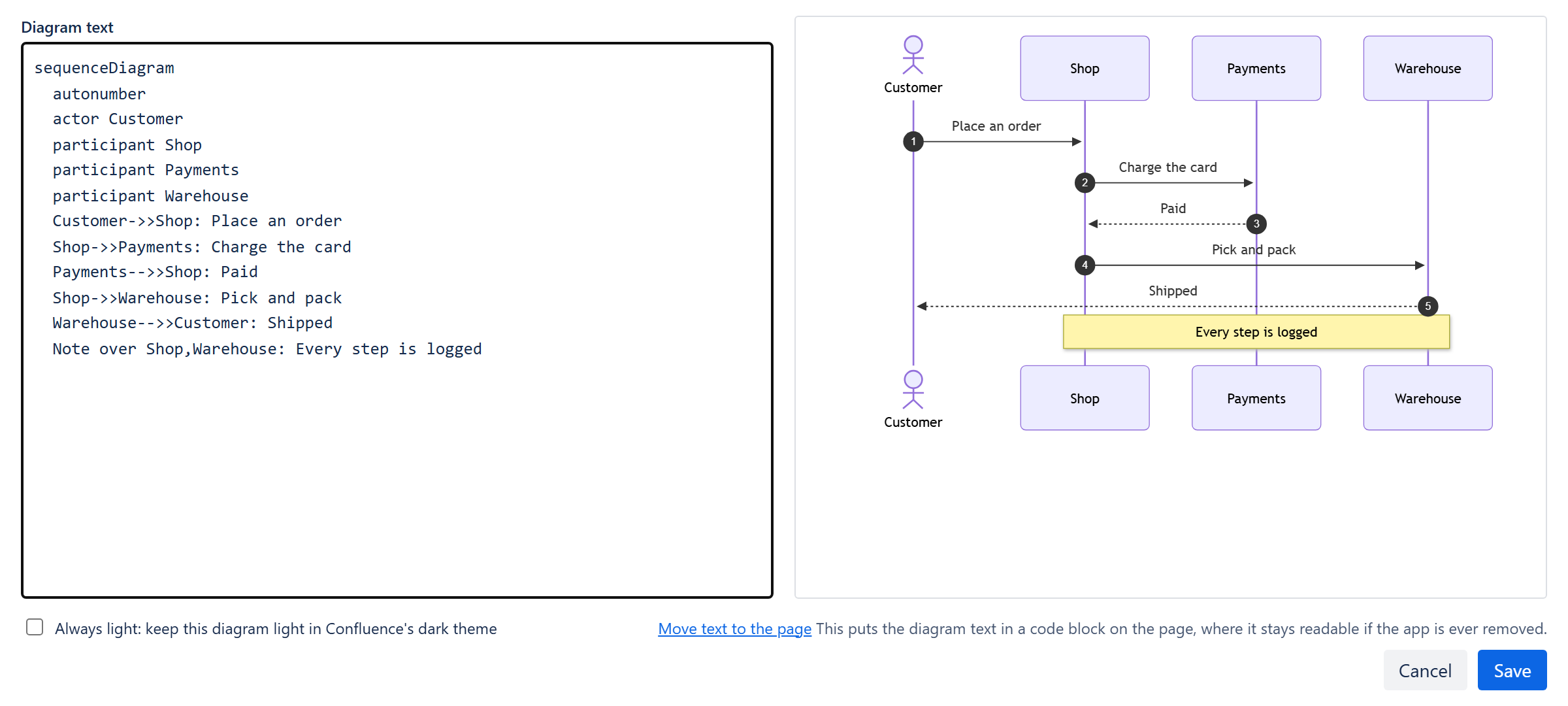
- Write, and watch it draw. The text on the left, the drawing on the right, drawn again each time you pause.
- Save. The text goes on the page as a code block, so page history and search keep it.
Big diagrams fit the page
A wide diagram is scaled to the page's width, never below a readable size. Zoom in with the buttons, the keys or Ctrl and the mouse wheel, and drag to move around. Zoom and full screen
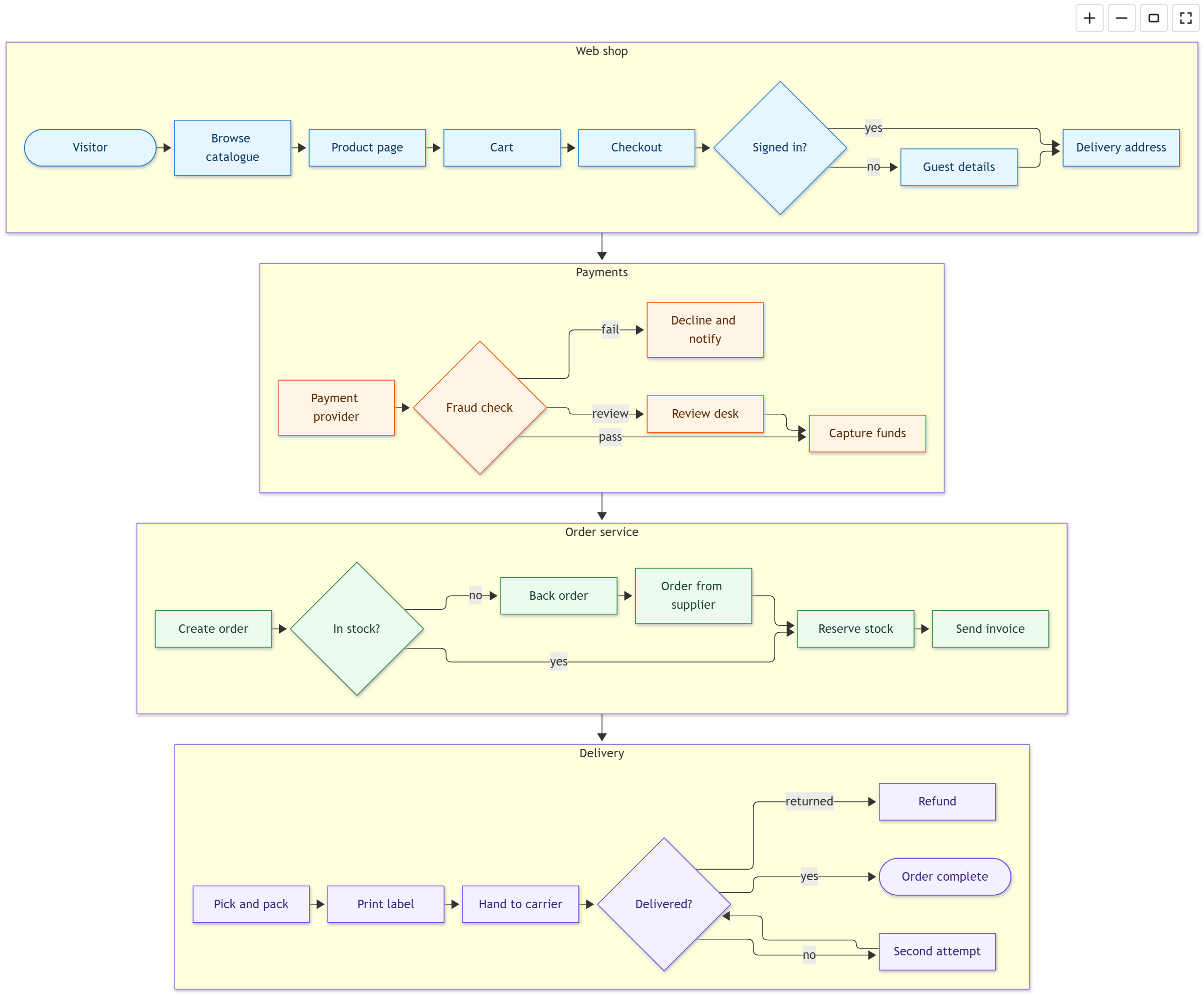
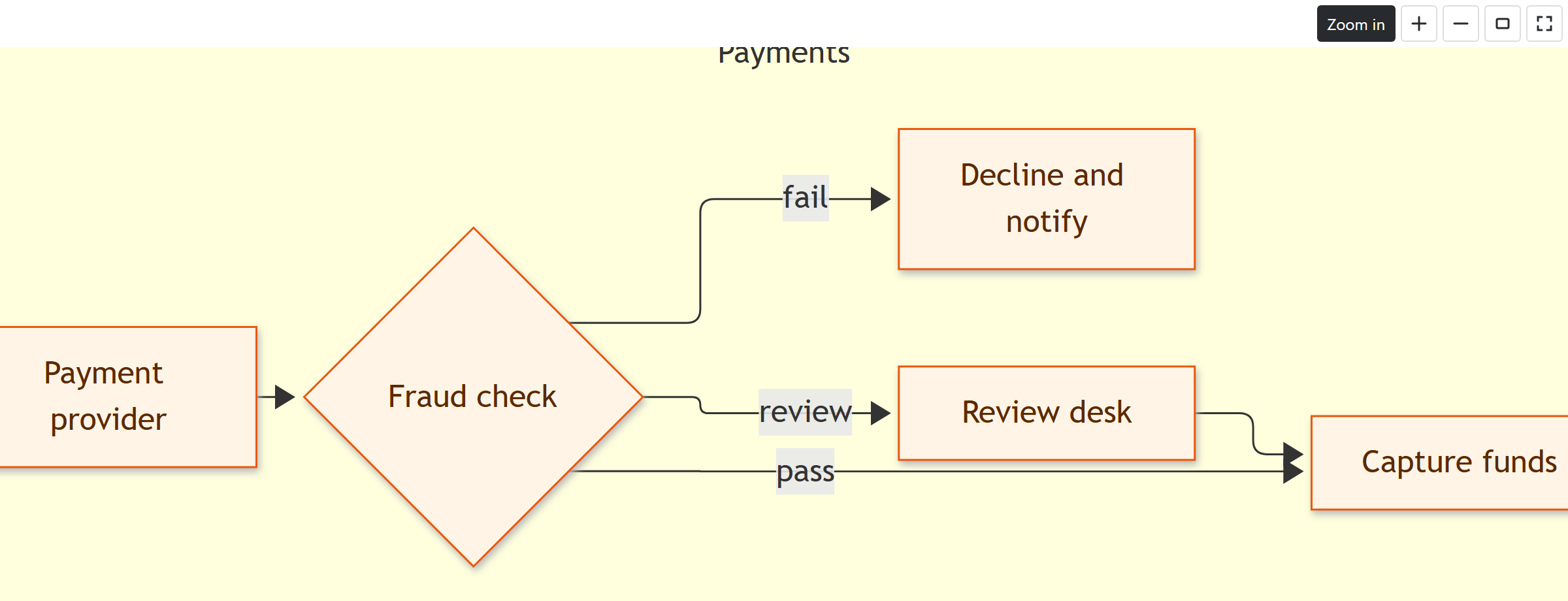
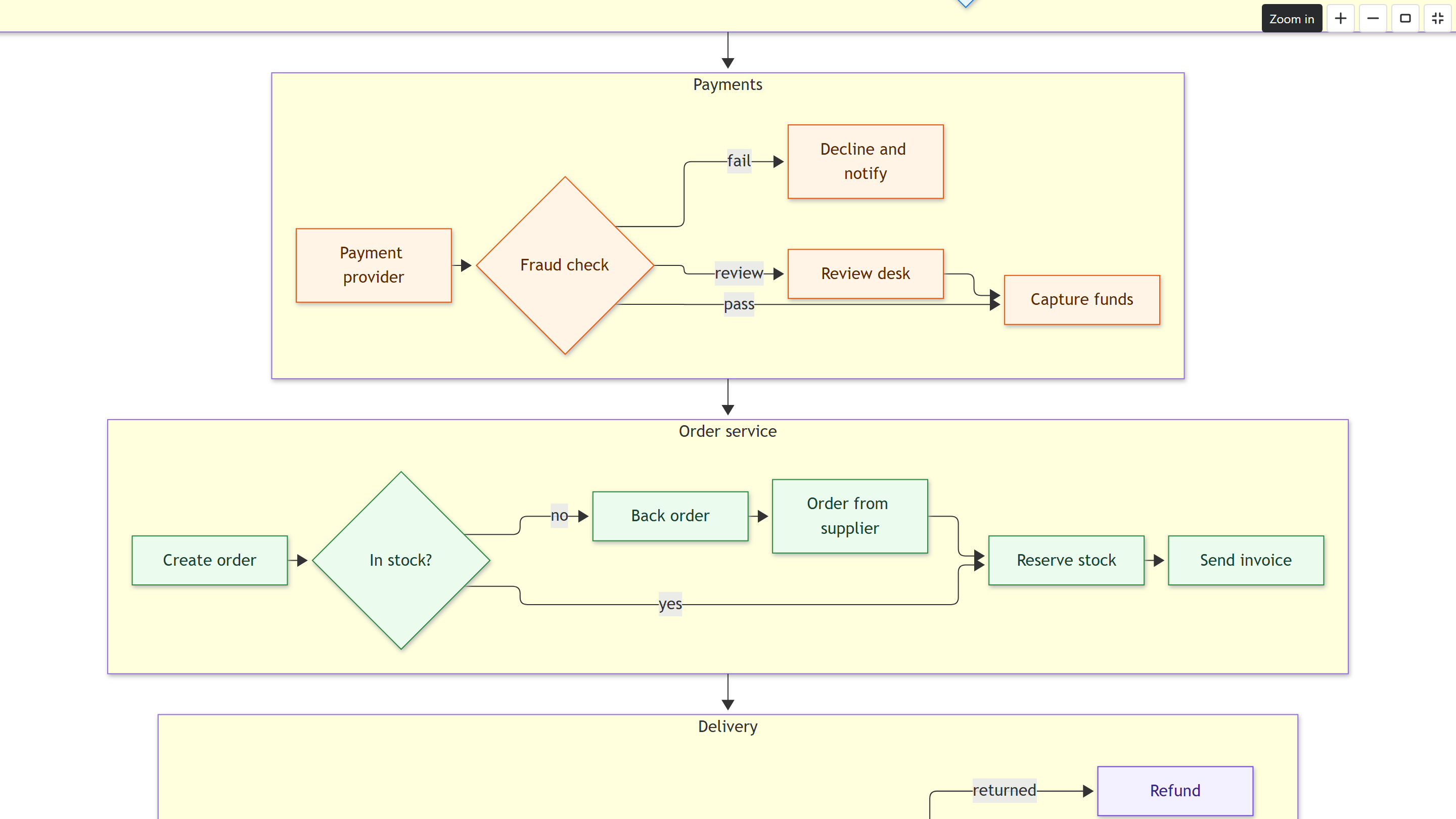
Full screen for the biggest diagrams
One button opens the diagram over the whole screen, with the same zoom buttons. Escape brings you back.
See the diagram while you write it
The editing window shows your text and the drawing side by side, and draws again each time you pause. Getting started
Your colours, in light and dark
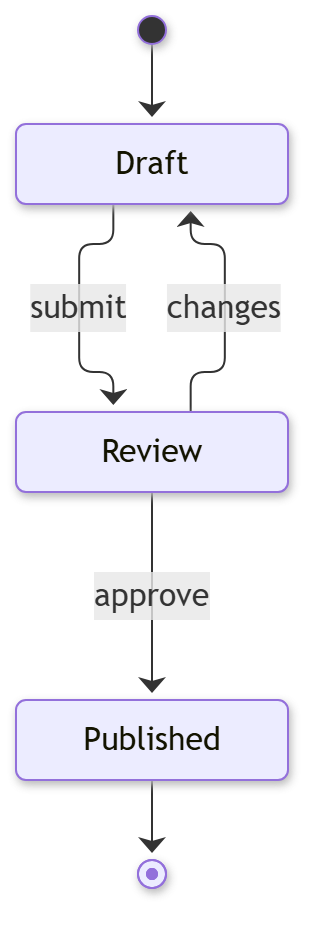
classDef, class, style and linkStyle draw as you wrote them. Diagrams follow Confluence's theme and keep
your colours readable, and one setting keeps a diagram light. Colours and dark mode


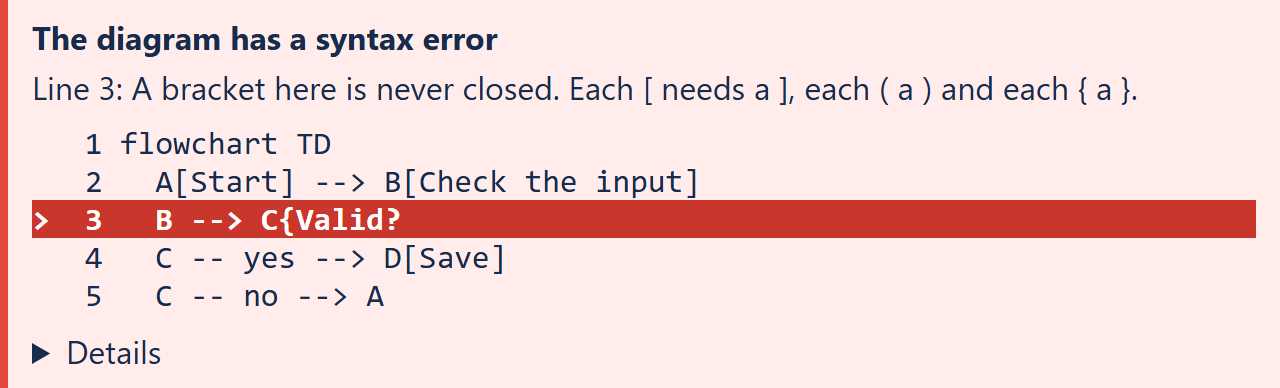
A clear error, never a blank box
A mistake shows the line it is on, a plain sentence about what is wrong, and your text with that line marked. Mermaid's own message is one click away. Error messages
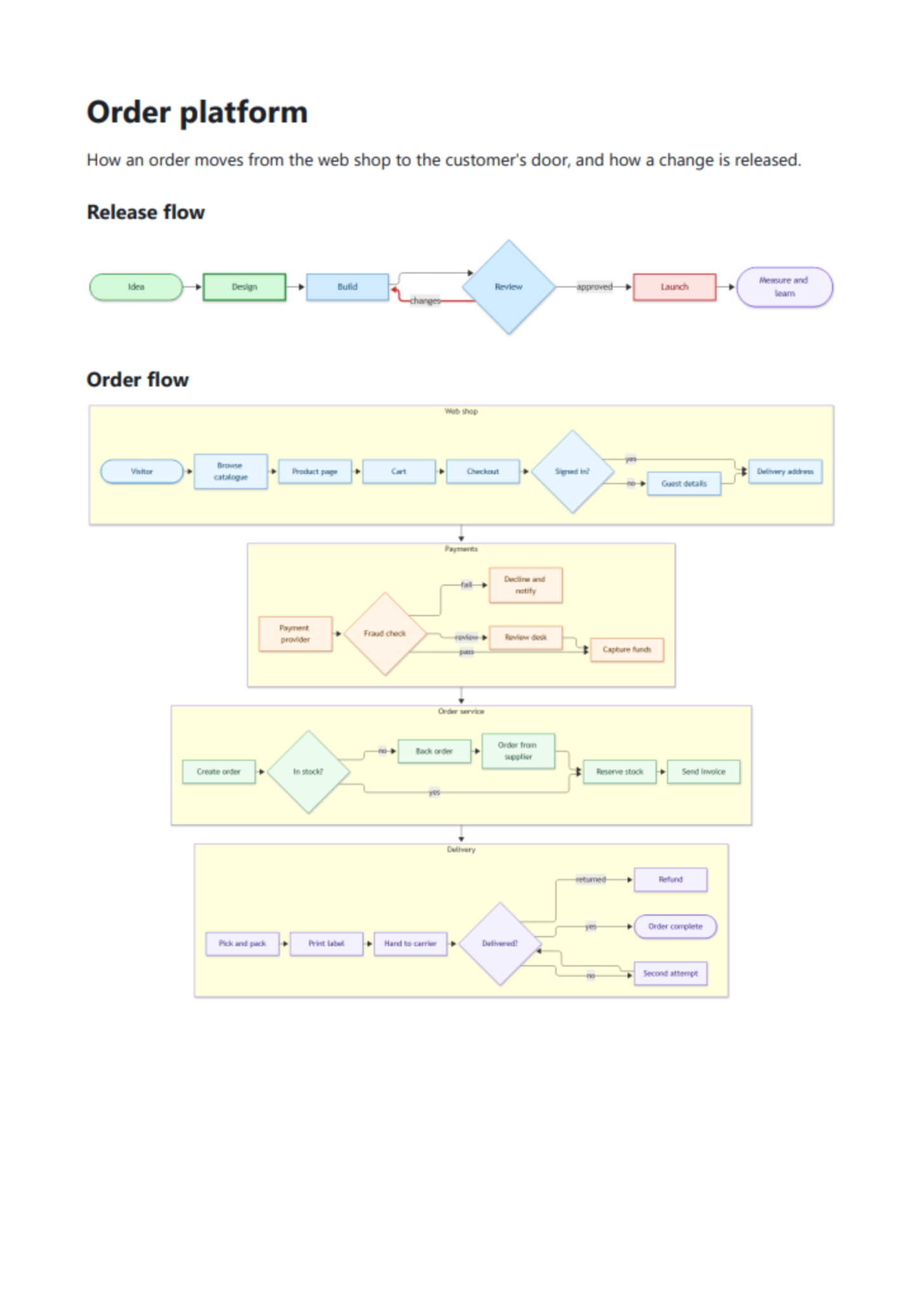
Diagrams in your PDF exports
Confluence's PDF export prints your diagrams, also big diagrams and pages with many diagrams. A Word export shows the diagram text. PDF and Word export
Your text stays on your page
The diagram text is a code block on the page, so page history and search keep it. Already have Mermaid code blocks? An empty macro draws the one on the page, with no retyping. Code blocks already on the page
Draws with Mermaid 12
Flowcharts and sequence diagrams, and also state, class and entity relationship diagrams and Gantt charts, all drawn by a current Mermaid. Limits
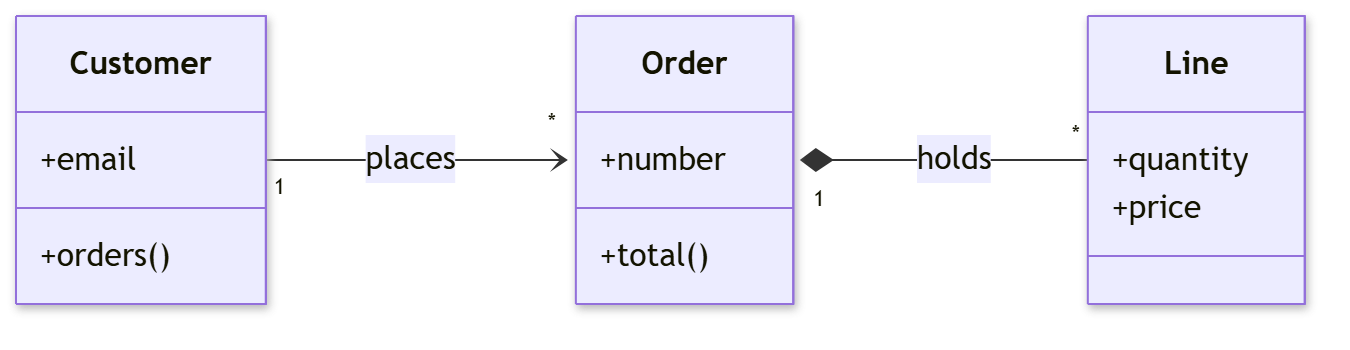
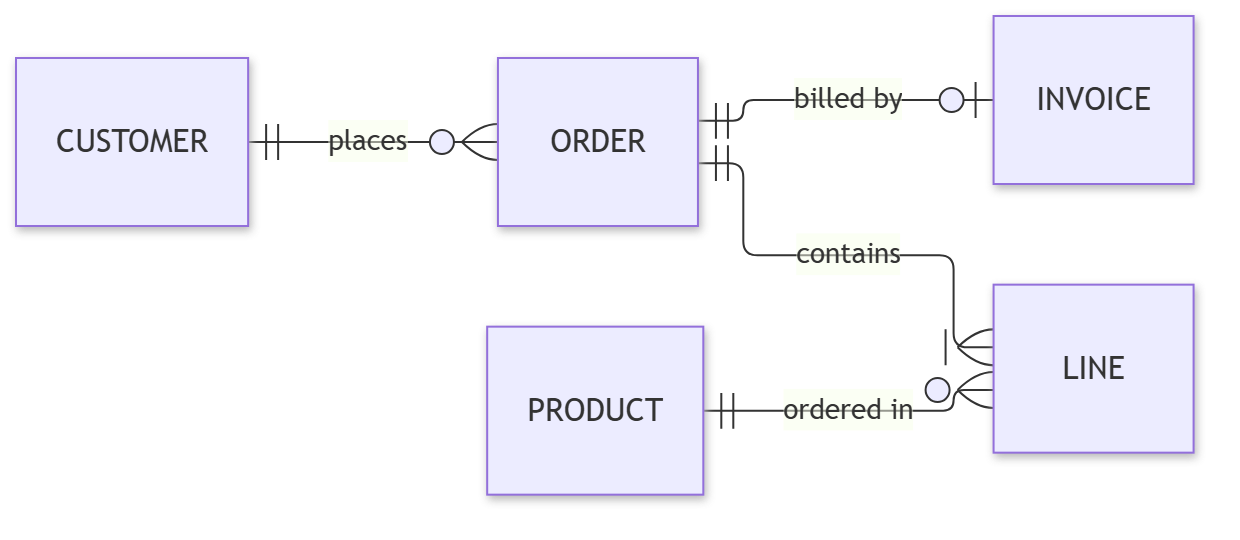
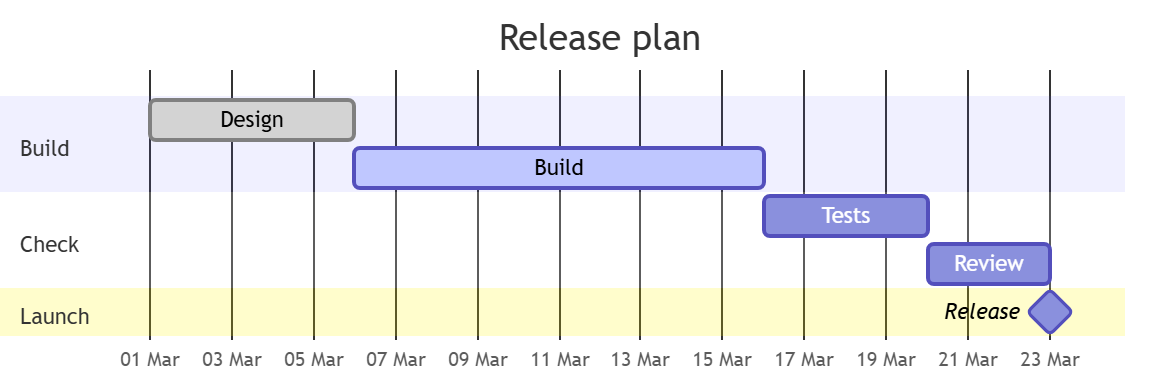
Nothing leaves Confluence
The app runs on Atlassian Forge, Atlassian's own platform for apps. It reads only the page a diagram is on, and it has no permission to store data or to contact any address outside Confluence.
- No account. Nobody signs in to anything.
- No storage. The diagram text is in your page, nowhere else.
- No outside calls. The app's permissions allow none.
- No script from text. Diagram text cannot run as script.
Price
Free at launch. A paid plan for larger sites follows, announced 60 days ahead. Sites of up to 10 users stay free for good.
The Atlassian Marketplace listing opens at launch.
Help
Start here
- Getting startedInsert a Mermaid diagram on a Confluence page, write it with a live preview, and save it.
- Draw a code block that is already on the pageLet an empty macro draw a Mermaid code block that is already on your Confluence page, also when you move from another Mermaid viewer.
Using diagrams
- Zoom and full screenHow a Mermaid diagram is sized on the page, and how to zoom, move and view it full screen, by mouse, trackpad, touch or keyboard.
- Colours and dark modeWhich Mermaid colour statements draw as written, how diagrams follow Confluence's dark theme, and how to keep one diagram light.
- PDF and Word exportWhat a Mermaid diagram looks like in a Confluence PDF or Word export, and what happens to tall diagrams and pages with many diagrams.
- A diagram is missing from the PDFA Confluence PDF shows a note and the diagram's text instead of the drawing. Why it happens, and how to fix it in five steps with pictures.
- When a diagram does not drawWhat each message of the Mermaid macro means, and what to do about it.
- LimitsHow large a Mermaid diagram can be, why nothing loads from outside Confluence, and what the app does not support.
For Confluence admins
- Security and dataFor Confluence admins and security reviewers: what the Mermaid app can read, and why it stores and sends nothing.
- Uninstalling without losing diagram textWhat happens to Mermaid diagram text when the app is uninstalled, and how to keep it readable without the app.